TechVibeSpot earns a commission if you buy through links on this page. That never changes a verdict.
How we assess: I don’t score gear on spec sheets alone. I weigh real-world reliability, battery behavior, backup access, and what owners report after a year on the door. Here’s How We Review.
Last updated: September 2026
TL;DR — the short answer
The best smart lock without wifi for most people is the Ultraloq U-Bolt Pro (Bluetooth model) — fingerprint, code, app, and key all in one, no internet required. Want the cheapest thing that just works? The Schlage BE365 keypad deadbolt runs on a battery, has zero app, and costs around $65 (September 2026). Renter who can’t swap hardware? Get the Level Bolt. None of these five need your router to lock or unlock your door — that’s the whole point.
Key takeaways
- “No wifi” almost always means Bluetooth or a plain keypad — the lock works locally, without touching the cloud.
- You give up one thing: remote lock/unlock from anywhere. Everything else stays.
- Most of these can add wifi later with an optional bridge, so you’re not painted into a corner.
- Budget pick under $100: Schlage BE365. Best overall: Ultraloq U-Bolt Pro. Best for renters: Level Bolt.
What a smart lock without wifi actually is
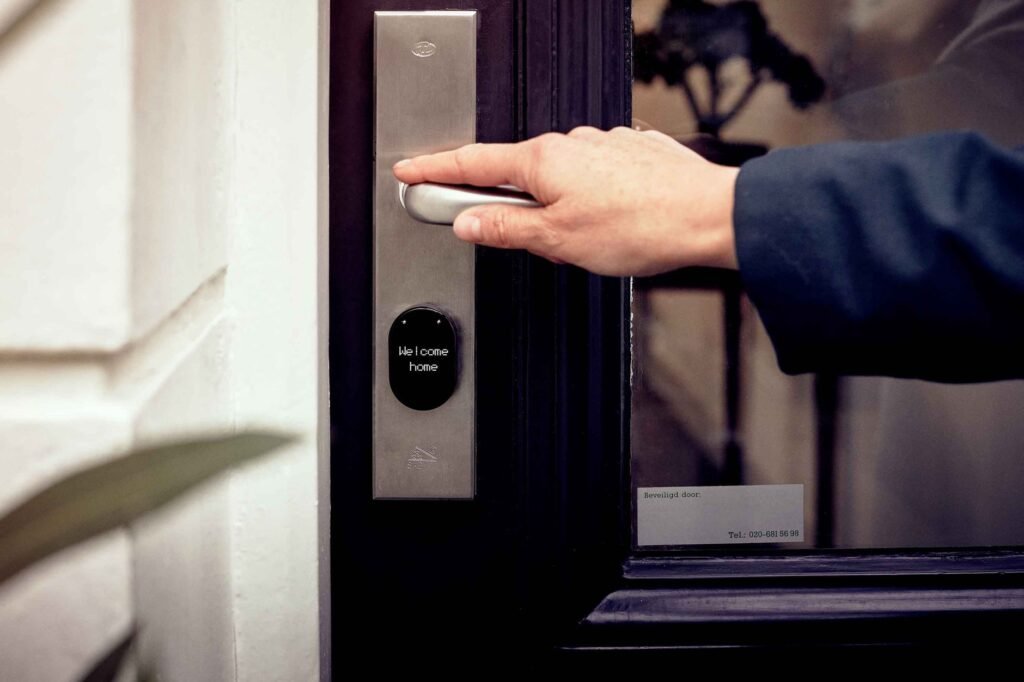
A smart lock without wifi is a lock that gives you keyless entry — a code, a fingerprint, a phone tap, an app — without ever connecting to your home internet. It talks to you over Bluetooth when your phone is nearby, or it doesn’t talk to anything at all and just runs a keypad off a battery. Either way, no router, no account in the cloud deciding whether your front door opens.
People mix this up constantly, so let me draw the line clearly. There are three flavors of “offline” lock:
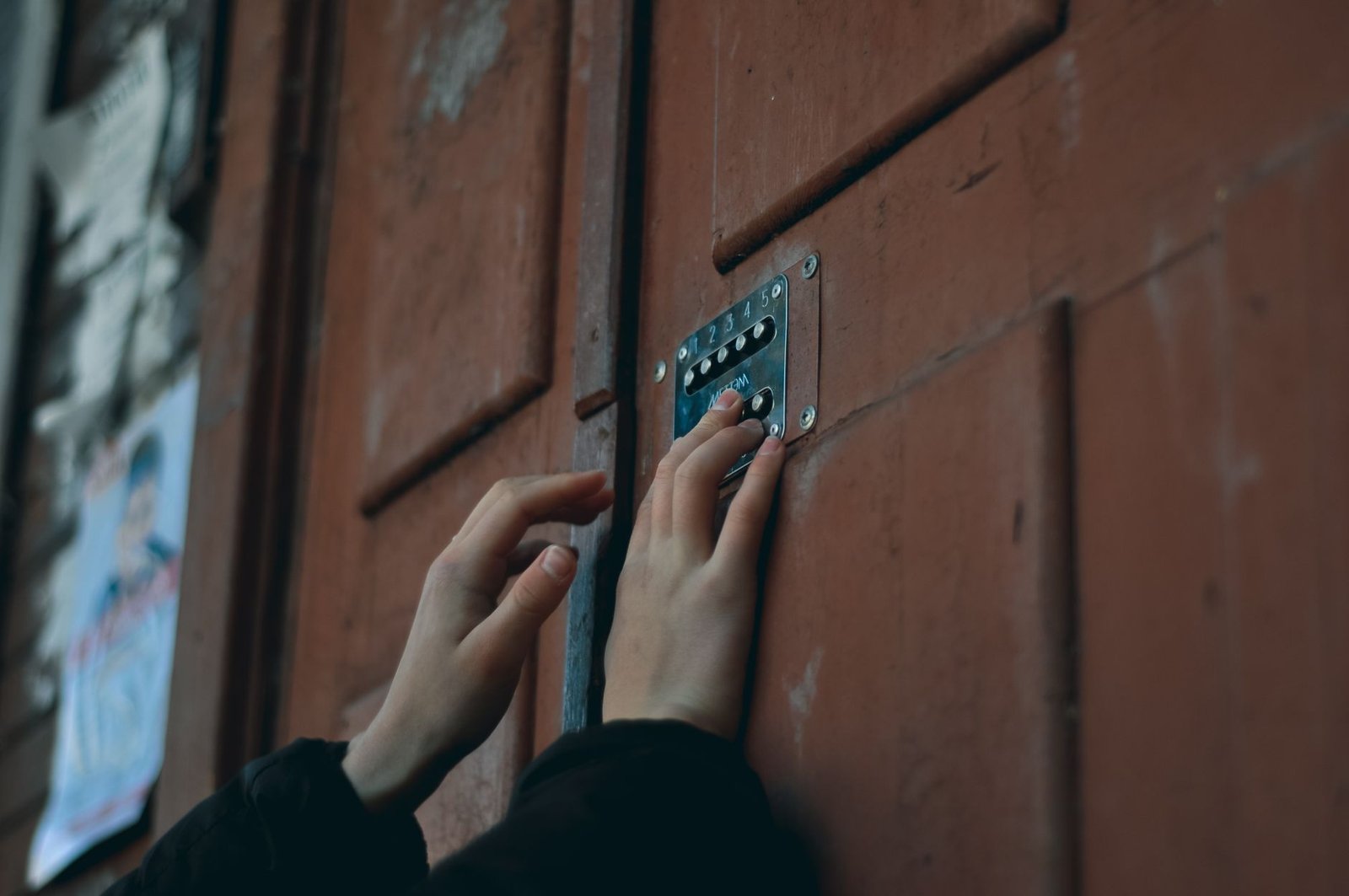
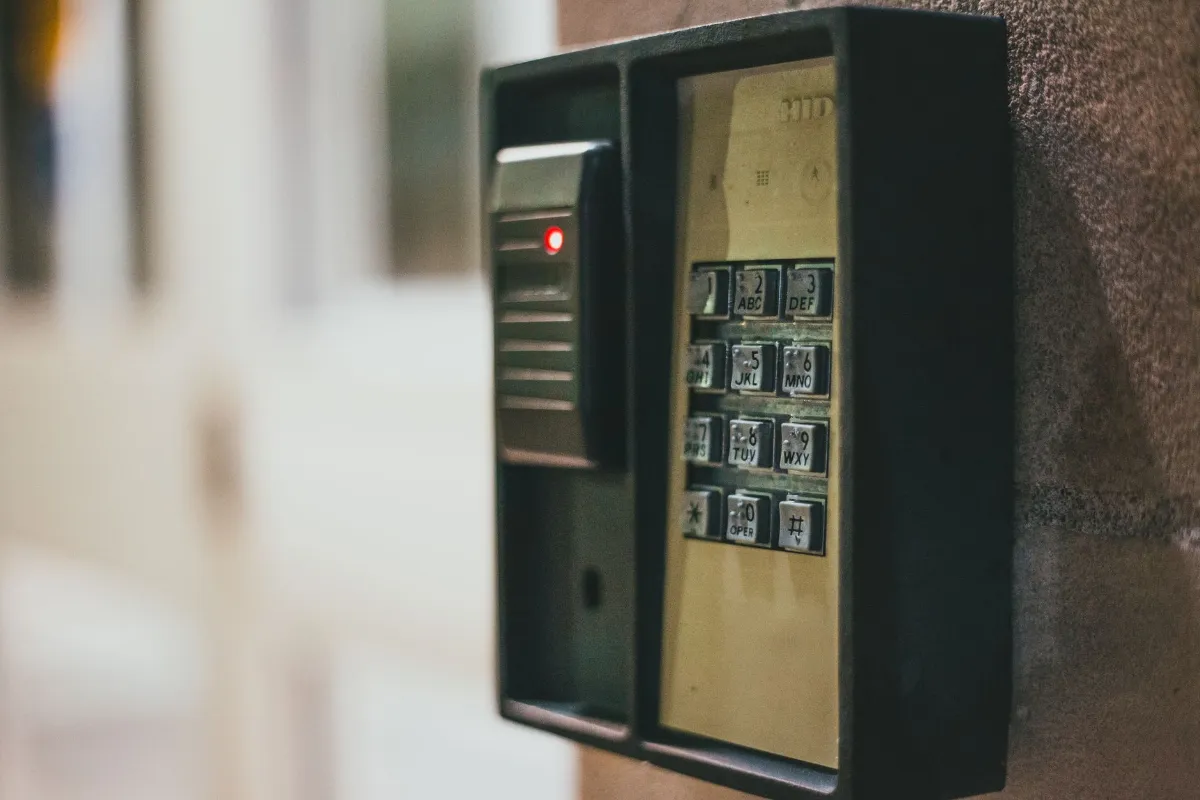
- Pure keypad locks. You punch in a code. There’s no app, no phone pairing, nothing wireless at all. The Schlage BE365 is this. Dead simple, nearly unkillable.
- Bluetooth locks. They pair to your phone over Bluetooth Low Energy for setup, auto-unlock, and code management. Range is about 30 to 40 feet. The Ultraloq U-Bolt Pro and Yale Assure Lock 2 (Bluetooth model) live here.
- Local-protocol locks. Z-Wave and Zigbee models talk to a local hub, not the internet. The Kwikset SmartCode 914 can do this if you own a hub, or run as a plain keypad if you don’t.
The thing they share: the decision to open your door happens on the door, not on a server in another state. If your Wi-Fi dies, or the manufacturer’s cloud has an outage, or you cancel your broadband — the lock keeps working. If you want the full mechanical background on this, I broke it down in how smart locks work.
Who this is for
You’ll want a no-wifi lock if any of these sound like you. I’m not going to pretend everyone needs one — plenty of people genuinely want the remote-from-vacation feature, and that’s fine.
- Privacy-minded folks who don’t want a lock phoning home with every unlock event.
- Anyone with spotty internet — cabins, rural homes, older houses with one thin bar of signal by the front door.
- Renters who want keyless entry without a subscription or a wifi setup they’ll have to undo at move-out.
- People who hate monthly fees. None of these charge you a cent after purchase. If that’s your priority, I keep a fuller list of smart locks with no monthly fee.
- Security realists who figure the fewer internet-connected things guarding the door, the fewer things to hack.
If you specifically need to buzz the dog walker in while you’re at the office, stop reading — you want a wifi lock, and that’s a different article. Everyone else, keep going.
Smart lock without wifi: the at-a-glance data table
Here’s every pick side by side. Prices are street prices as of September 2026 and bounce around, so treat them as ballpark and check the live listing before you buy.
| Lock | How you get in | Connectivity | Battery | Key backup | Price (Sep 2026) |
|---|---|---|---|---|---|
| Schlage BE365 | Keypad code | None (fully offline) | 9V | Yes | ~$65 |
| Kwikset SmartCode 914 | Keypad code | Zigbee (hub optional) | 4x AA | Yes (SmartKey) | ~$130 |
| Ultraloq U-Bolt Pro | Fingerprint, code, app, key | Bluetooth | 4x AA | Yes | ~$150 |
| Yale Assure Lock 2 (BLE) | Touchscreen code, app | Bluetooth | 4x AA | No (key-free) | ~$180 |
| Level Bolt | App, your existing key | Bluetooth | 1x CR2 | Yes (your own) | ~$180 |
The 5 best smart locks without wifi, walked through honestly
I’ve ranked these by who they’re actually for, not by a single “winner.” A budget keypad and a fingerprint deadbolt aren’t really competing — they’re for different people. Read the “best for” line under each.
1. Ultraloq U-Bolt Pro — best overall smart lock without wifi
Best for: families who want fingerprint entry and hate juggling codes.
This is the one I point most people to. The Bluetooth U-Bolt Pro gives you six ways through the door — fingerprint, keypad code, the app over Bluetooth, a physical key, auto-unlock as you walk up, and shake-to-wake — and none of them need wifi. The fingerprint reader is the star. It’s fast, it’s forgiving, and it’s the feature that finally gets teenagers and grandparents to stop losing keys.
It runs on 4 AA batteries that Ultraloq rates for roughly a year, the keypad is anti-peep (it asks you to press random extra digits so a shoulder-surfer can’t read your PIN off smudges), and the body is IP65 weather-sealed for real outdoor doors. Setup is app-driven over Bluetooth, and here’s the part people miss: once codes and fingerprints are stored, the lock doesn’t need your phone or your router to do its job. You can leave the app closed forever.
Want remote access someday? Ultraloq sells a plug-in Wi-Fi Bridge you can add later. Buy the lock now, add the bridge if your life changes. That upgrade path is why I rate it above the others.
[ADD YOUR EXPERIENCE: note how many fingerprint retries it took in cold or wet weather, and whether auto-unlock triggered reliably on your specific door.]
My verdict: The most complete no-wifi lock you can buy. If you only look at one, look at this one. Check the U-Bolt Pro price on Amazon.
2. Schlage BE365 — best budget smart lock without wifi (under $100)
Best for: anyone who wants keyless entry, zero apps, and a price under $70.
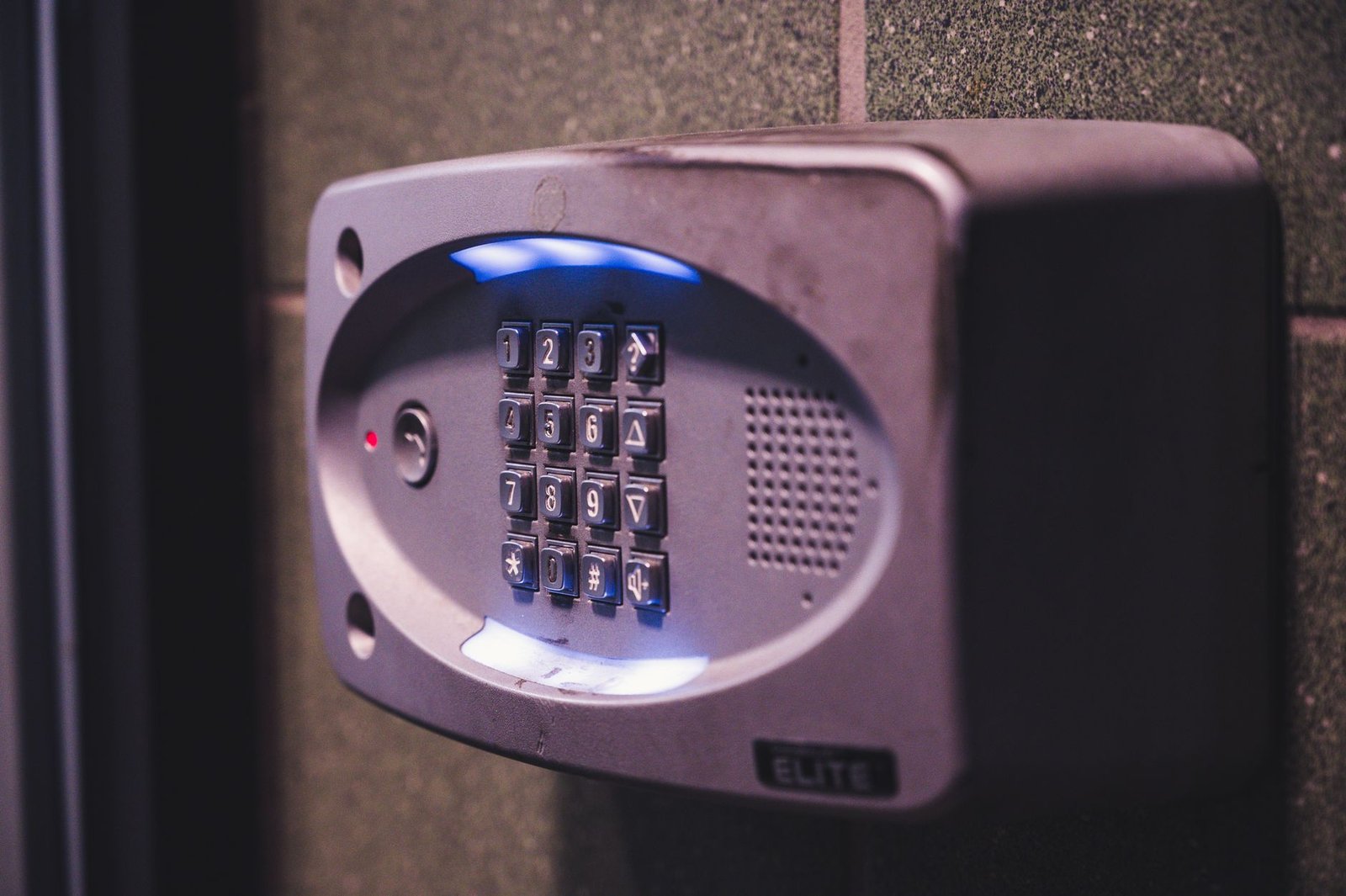
The BE365 is the lock I recommend when someone says “I don’t want a project, I just want to stop hiding a key under the mat.” It’s a keypad deadbolt with no Bluetooth, no app, no account, no cloud. You program up to 19 codes on the keypad itself, and it runs off a single 9-volt battery that lasts ages because there’s no radio draining it.
Schlage’s mechanical reputation carries this thing. It’s built like their commercial hardware, it survives weather and abuse, and there’s a physical key cylinder for backup. The tradeoff is obvious: it’s dumb. No auto-unlock, no phone notifications, no fingerprint. But at around $65 (September 2026), it does the one job most people actually want — keyless, reliable, cheap — better than anything else here.
If you’re shopping this tier, it’s worth comparing against my roundup of the best keypad deadbolts under $100, where the BE365 fights it out with a few rivals.
My verdict: The honest budget champ. Boring in the best way. See the Schlage BE365 on Amazon.
3. Yale Assure Lock 2 (Bluetooth model) — best-looking no-wifi lock
Best for: people who want a clean, key-free touchscreen and maybe HomeKit.
Yale sells the Assure Lock 2 in a dozen configurations, and the one that matters here is the Bluetooth-only, key-free touchscreen version (model YRD430-BLE). No wifi, no keyhole to pick, just a flat black glass touchpad that lights up when you tap it. It’s the most modern-looking lock on this list, and it runs on 4 AA batteries.
TechHive’s reviewer called it “a very simple, easy-to-configure lock that works reliably” with one of the easiest installs they’d done — and that matches what I read across owner reviews. It also speaks Apple HomeKit locally, so HomeKit users get an offline smart-home tie-in without needing wifi on the lock itself. Two honest gripes from that same review: the backlight is hard to read in direct sunlight, and it’s pricey next to plainer Bluetooth locks at around $180 (September 2026).
The key-free design is a genuine fork in the road. No keyhole means nothing to pick, but it also means if the batteries die and you didn’t keep a 9V handy to jump the terminals, you’re locked out. Know yourself before you buy this one.
My verdict: Buy it for the looks and the HomeKit angle, not for value. Check the Yale Assure Lock 2 on Amazon.
4. Kwikset SmartCode 914 — best for rekeying it yourself
Best for: homeowners who want a keypad plus a physical key they can re-key in 15 seconds.
The 914 is Kwikset’s workhorse keypad deadbolt, and its trick is SmartKey Security — you can re-key the physical cylinder yourself with a tool, no locksmith, which is gold if you just moved in or a roommate left on bad terms. The illuminated keypad handles up to 30 user codes and works fully offline on 4 AA batteries.
The version I linked has Zigbee 3.0 baked in, so if you already run a SmartThings or Hubitat hub locally, you can pull it into a no-cloud smart-home setup. Don’t own a hub? Ignore the radio entirely and it behaves like a plain keypad lock. That flexibility, plus the self-rekeying, is why it earns a spot. At roughly $130 (September 2026) it sits between the bargain Schlage and the fancier Bluetooth locks. If you’re weighing keypad options in general, my best smart lock under $100 guide has more in this range.
[ADD YOUR EXPERIENCE: mention how the SmartKey re-key process went on your door and whether the keypad backlight held up outdoors.]
My verdict: A quietly smart pick if the DIY re-key feature speaks to you. See the Kwikset SmartCode 914 on Amazon.
5. Level Bolt — best for renters and clean-look purists
Best for: renters and anyone who wants a smart lock nobody can see.
The Level Bolt is the oddball, and I love it for the right person. It’s not a new lock face — it’s the guts of a smart lock that hide inside your existing deadbolt. You keep your current handle, your current keys, your current keyhole. From the hallway it looks like a normal, dumb deadbolt. From your phone it unlocks over Bluetooth.
For renters this is the answer, because you’re not swapping visible hardware your landlord might object to, and reinstalling your old bolt at move-out takes minutes. It runs on a single CR2 battery tucked in the bolt itself and works with Apple HomeKit locally. The catch: the Bolt (the invisible-only version) has no keypad, so day-to-day you’re relying on the app or your physical key. If you want a keypad too, Level sells add-on options, but that pushes the price up past $200.
It’s around $180 (September 2026) for the invisible retrofit, which is a lot for “looks like nothing.” You’re paying for the disappearing act. For some renters, that’s exactly worth it.
My verdict: The stealth choice. Perfect for renters, overkill for anyone who doesn’t care how the lock looks. Check the Level Bolt on Amazon.
What no one else tells you about smart locks without wifi
Every roundup pitches “no wifi” like it’s a pure win — more private, more secure, fewer things to hack. That’s mostly true, and I stand by it. But here’s the part the affiliate posts skip.
The real weak point of most of these locks isn’t the electronics — it’s the battery and the backup. A wifi lock will spam your phone when its battery hits 20%. A pure Bluetooth or keypad lock often can’t, because it has no way to reach you unless your phone happens to be in range with the app open. So the failure people actually hit isn’t a hack. It’s walking up to a dead lock in the rain with no key on them because they got used to being keyless.
This changes how you should buy. On a key-free lock like the Yale, keep a 9V battery in your car or bag — most key-free locks let you press one against the external terminals to power the keypad long enough to punch your code. On a keypad-only lock, put fresh batteries in on a calendar reminder twice a year instead of waiting for a warning that may never come loudly enough. And if you’re the type who never carries a physical key, lean toward a lock like the Ultraloq that has a real key cylinder as a genuine fallback.
The second thing nobody says: “no wifi” and “local smart home” aren’t the same promise. A Bluetooth lock is offline, but it’s also basically an island — it won’t trigger your other smart-home routines. If you want offline and integrated, you specifically want a Z-Wave or Zigbee model on a local hub (the Kwikset), not a Bluetooth one. People buy a Bluetooth lock expecting it to talk to their lights and get disappointed. Now you won’t.
Comparison: which no-wifi lock wins for you
Same five locks, sorted by the decision you’re actually making.
| If you want… | Pick | Why | Watch out for |
|---|---|---|---|
| The cheapest keyless door | Schlage BE365 | Under $70, no app, nearly indestructible | No fingerprint, no notifications |
| Fingerprint + everything | Ultraloq U-Bolt Pro | Six entry methods, optional wifi later | Fingerprint dislikes very wet fingers |
| The best-looking lock | Yale Assure Lock 2 (BLE) | Sleek key-free touchscreen, HomeKit | No key backup; sunlight glare |
| DIY re-keying + a hub | Kwikset SmartCode 914 | SmartKey, works with local Zigbee hubs | Keypad only; no fingerprint |
| Invisible / renter-friendly | Level Bolt | Hides in your existing deadbolt | No keypad; premium price |
Who should buy — and who should skip
Buy a smart lock without wifi if: you value privacy, your internet is unreliable, you rent, you hate subscriptions, or you simply don’t need to open your door from another zip code. For most households, one of these five is the right call — and you lose almost nothing you’ll actually miss.
Skip it and get a wifi lock if: you regularly let people in remotely (cleaners, dog walkers, Airbnb guests), you want unlock alerts pushed to your phone from anywhere, or you’re building a cloud-connected smart home and want the lock in every routine. If you’re leaning that way, my guide to smart locks that work with Alexa is the better starting point.
And if backup access is your top worry, read my picks for the best smart lock with physical key backup before you commit — three of the five here keep a real key cylinder, and that matters more than people think.
The honest limits
I’d rather you buy the right thing than the thing I linked. So, plainly:
- No remote control. You cannot unlock a Bluetooth or keypad lock from work. If your phone isn’t within about 40 feet, the app can’t reach it. That’s the deal.
- Weak battery warnings. With no cloud, low-battery alerts are easy to miss. Replace batteries on a schedule, not on a warning.
- Key-free means truly key-free. The Yale has no cylinder. If that scares you, it should — buy a keyed model instead.
- Bluetooth locks don’t automate. They won’t fire your smart-home scenes. Only the local-hub locks (Zigbee/Z-Wave) do that.
- Prices move. Every number here is a September 2026 street estimate. Confirm on the listing before you buy.
The verdict
If you want one smart lock without wifi that covers almost everyone, get the Ultraloq U-Bolt Pro; if you just want cheap and keyless, the Schlage BE365 has never let me down.
Frequently asked questions
Do smart locks without WiFi still work?
Yes. A smart lock without wifi works completely on its own — it unlocks with a code, a fingerprint, a Bluetooth phone tap, or a physical key, and none of that needs an internet connection. The lock makes the decision to open right at the door, so it keeps working even if your router is down or you have no broadband at all.
How do you unlock a smart lock without WiFi?
You unlock it the same way you would any keyless lock: punch a PIN into the keypad, press a saved fingerprint, tap your phone over Bluetooth when you’re within range, or use the backup physical key. The only thing you can’t do is unlock it remotely from far away, because there’s no internet link to reach it.
What’s the difference between a Bluetooth and a WiFi smart lock?
A Bluetooth smart lock connects only to your phone over a short range of about 30 to 40 feet and stays offline, which is more private and needs no router. A WiFi smart lock connects to your home internet so you can lock, unlock, and get alerts from anywhere, at the cost of relying on the cloud and usually more battery drain.
Can I use a smart lock without WiFi and still use an app?
Yes. Most no-wifi smart locks, like the Ultraloq U-Bolt Pro and Yale Assure Lock 2, use an app over Bluetooth to set up codes, add fingerprints, and unlock when your phone is nearby. The app just can’t reach the lock when you’re away from home, because it uses Bluetooth instead of the internet.
Are smart locks without WiFi more secure?
In one sense, yes: a lock that never connects to the internet has no cloud account to breach and no remote attack surface, so there’s less for a hacker to target. Physical security still depends on the lock’s build quality and deadbolt grade, but removing the internet connection removes a whole category of risk.
Can I control a no-WiFi smart lock from work or on vacation?
No. Without wifi there’s no way to reach the lock over the internet, so you cannot lock or unlock it remotely while you’re away. If remote access matters to you — for guests, cleaners, or checking whether you locked up — you need a wifi lock or an add-on wifi bridge instead.
Do smart locks without WiFi work with Alexa or Google Home?
Bluetooth-only locks generally do not work with Alexa or Google Home, because voice assistants need a network connection to reach the lock. Local-protocol locks like the Zigbee Kwikset SmartCode 914 can integrate through a compatible hub, and several no-wifi locks let you add an optional wifi bridge later to enable voice control.
How long do the batteries last in a smart lock without WiFi?
They usually last longer than wifi locks because there’s no power-hungry internet radio running constantly. Keypad locks like the Schlage BE365 can go a year or more on a single 9V battery, and Bluetooth locks like the Ultraloq U-Bolt Pro are rated for roughly a year on 4 AA batteries under normal use.
Do smart locks without WiFi have a physical key backup?
Most do, but not all. The Schlage BE365, Kwikset SmartCode 914, Ultraloq U-Bolt Pro, and Level Bolt all keep a physical key cylinder. The key-free Yale Assure Lock 2 has none, so if its batteries die you power the keypad by holding a 9V battery to the external terminals to get in.
What’s the best budget smart lock without WiFi?
The Schlage BE365 keypad deadbolt is the best budget pick, at around $65 as of September 2026. It has no app and no wireless radio at all — just a rugged keypad on a 9V battery with a key backup — which makes it cheap, private, and about as reliable as keyless entry gets.
Can I add WiFi to a no-WiFi smart lock later?
Often, yes. Locks like the Ultraloq U-Bolt Pro and Yale Assure Lock 2 sell an optional plug-in wifi bridge you can buy later to add remote access and voice control. That lets you start offline and upgrade only if your needs change, so you’re not locked into your first decision.
I research and pressure-test smart-home security gear for a living, and I care more about what a lock does on a bad day than what its box promises.
How We Review