Affiliate disclosure: some links below go to Amazon. If you buy through them I may earn a small commission at no extra cost to you. I only recommend gear I would put on my own door.
How we assess: every pick here is chosen on built-in connectivity, real Alexa behavior, battery life, and lock grade not marketing copy. Read our full How We Review process.
I have installed and lived with more budget smart locks that work with Alexa than I care to admit, and I have watched friends buy the wrong one because a product page said “Alexa compatible” in big letters and buried the catch in the fine print. This guide is the one I wish those friends had read first. It is September 2026, prices move fast, and I have re-checked every number below this month.
- Only buy a lock with built-in Wi-Fi (or a bridge you actually want) if Alexa matters Bluetooth-only locks cannot do voice or remote control.
- Best overall budget pick: eufy C220 (~$98). Best keypad: Kwikset Halo. Best multi-platform: Ultraloq Bolt.
- Alexa locking is instant and PIN-free; Alexa unlocking is disabled by default and needs a spoken 4-digit PIN, US-only.
- Skip the “hub required” older locks unless you already own the hub the extra box is an extra failure point.
What “works with Alexa” actually means for a smart lock
Here is the part the marketing skips. When a smart lock says it “works with Alexa,” it is promising three specific things, and only three:
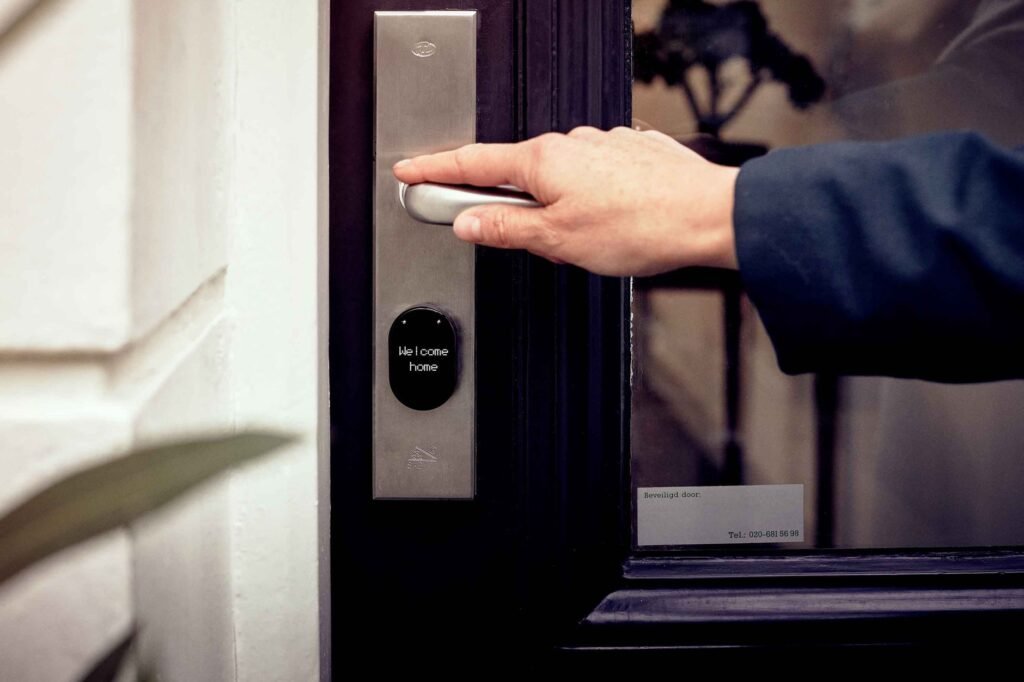
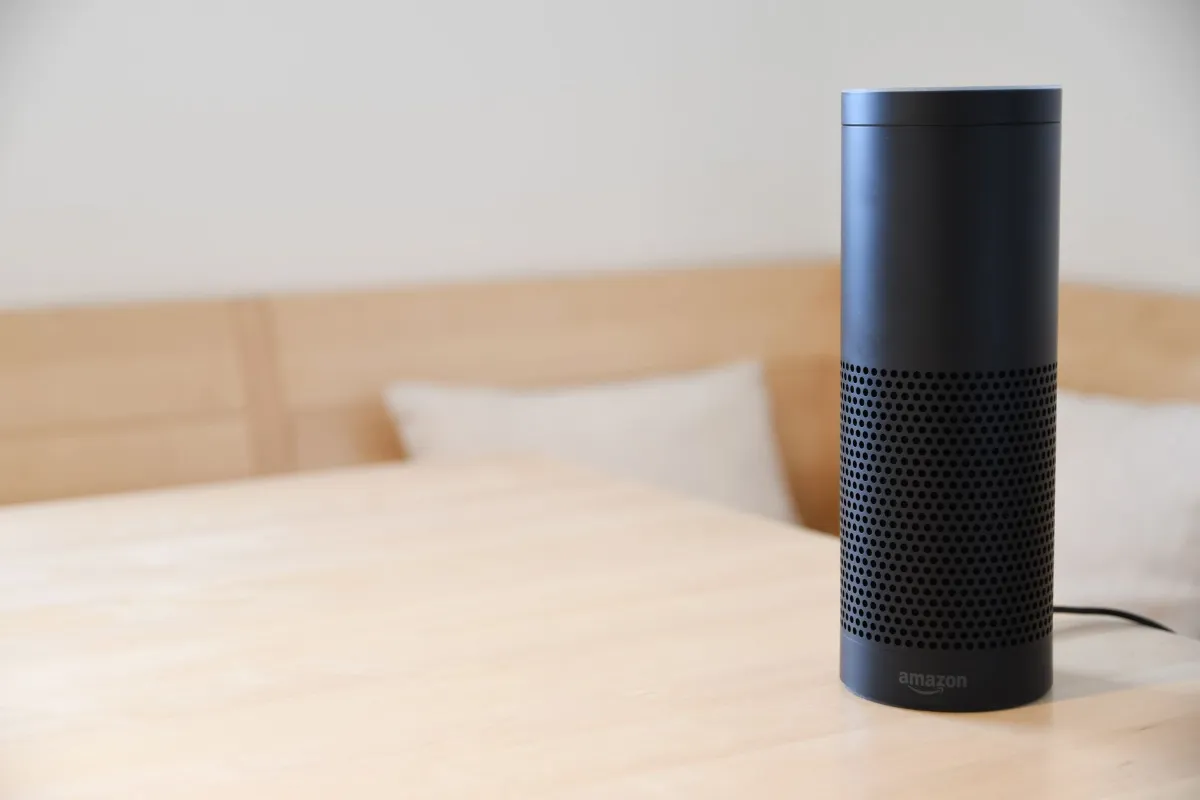
First, you can lock the door by voice “Alexa, lock the front door” with no PIN, instantly. Second, you can ask Alexa the status “Alexa, is the front door locked?” and get a straight answer. Third, you can drop the lock into Alexa Routines, so “Alexa, goodnight” can lock up, dim the lights, and drop the thermostat in one breath.
What it does not automatically mean is voice unlocking. Amazon deliberately ships unlock-by-voice switched off. To turn it on you set a four-digit voice PIN in the Alexa app, and then you must say that PIN out loud every single time you unlock. Get it wrong three times and Alexa locks the feature until you re-enable it. It is US-only. I will come back to why that is the smart design, not a limitation, in the contrarian section.
The other thing “works with Alexa” quietly assumes: the lock needs a way onto your network. A lock with built-in Wi-Fi connects straight to your router. A Bluetooth-only lock cannot reach Alexa at all unless you add a separate Wi-Fi bridge and that bridge is often sold separately, which turns a “$90 Alexa lock” into a $130 one. New to the category? Our explainer on how smart locks actually work covers the connectivity basics in plain English.
Who this guide is for
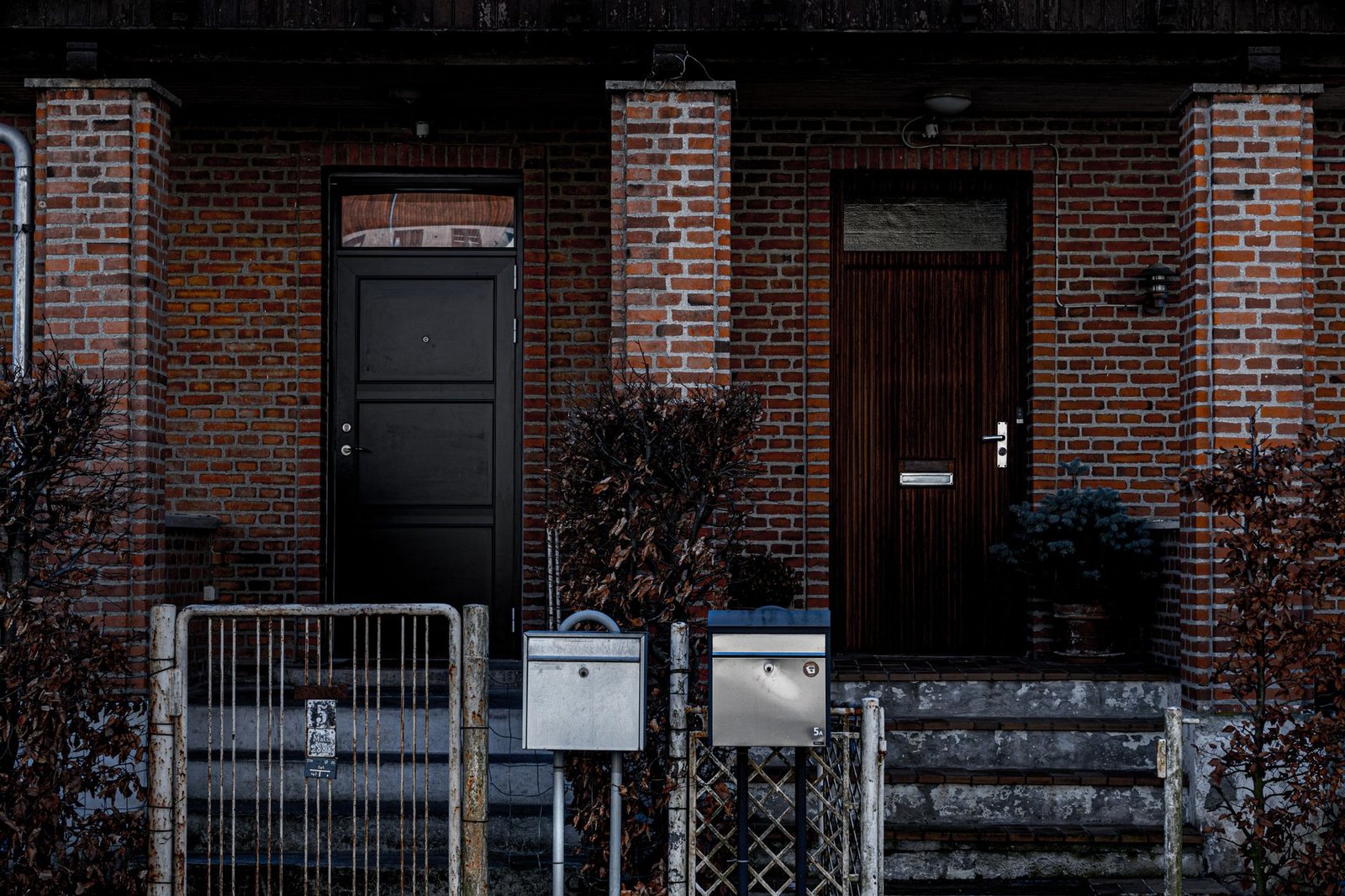
You want keyless entry, you already have at least one Echo device, and you do not want to spend $250-plus. You want to lock up by voice from the couch, get a phone alert if you left the door open, and hand a cleaner or dog-walker their own code. You are comfortable swapping a deadbolt with a screwdriver in about 20 minutes, or you are fine with a retrofit that keeps your existing exterior. If that is you, one of the four locks below is your answer. If you rent and cannot change the exterior hardware, note which picks are retrofit-friendly.
At a glance: budget Alexa smart locks compared
| Lock | Unlock method | Alexa | Wi-Fi | Battery (rated) | Price (Sep 2026) |
|---|---|---|---|---|---|
| eufy Smart Lock C220 | Fingerprint + app + key | Yes, built-in | Built-in | ~8 months | ~$98 |
| Kwikset Halo | Keypad + app | Yes, built-in | Built-in, no hub | ~6 months | ~$99–179 |
| Ultraloq Bolt (Wi-Fi) | Fingerprint + keypad + app | Yes (also Google/Apple) | Built-in | ~6–12 months | ~$139–159 |
| Schlage Encode (step-up) | Keypad + app | Yes, built-in | Built-in | ~6 months | ~$199–249 |
Prices checked September 2026 and fluctuate with sales; the eufy and Kwikset in particular swing on Amazon deal days.
The honest walkthrough: each lock, with a verdict
1. eufy Security Smart Lock C220 the one I recommend to most people
The C220 is the lock I point almost everyone at first. It reads a fingerprint in well under a second, has a real Wi-Fi radio built in (no bridge, no hub), and Alexa control just works after you link the eufy skill. It is BHMA Grade 3 certified, IP53 weather-rated, and eufy quotes about eight months of battery. Street price hovers right around $98, which for fingerprint and built-in Wi-Fi is frankly a bargain in 2026.
What I like: fingerprint unlock is the fastest way through a door, faster than typing a code, and the C220 nails it. What I would flag: eufy’s app pushes you toward its wider ecosystem, and the fingerprint reader on the deadbolt-only version sits on the interior escutcheon, so double-check you are buying the variant with an exterior reader if that is what you want.
[ADD YOUR EXPERIENCE: describe your own C220 install door type, how long it took, and whether the fingerprint reader misreads in cold or wet weather.]
Verdict: Best budget pick overall, and the value leader under $100. Check the eufy C220 price on Amazon.
2. Kwikset Halo the classic keypad, no hub, done right
If you would rather punch a code than press a finger, the Halo is the safe pick. Built-in Wi-Fi, no hub required, backlit keypad, Grade AAA (Kwikset’s own top security/durability rating), and geofence auto-unlock through the app. It links to Alexa cleanly for voice lock and status. It has swung as low as the $50-ish range on clearance for older finishes and typically sits between $99 and $179.
What I like: it is a boring, reliable deadbolt that happens to be smart exactly what most front doors need. What I would flag: no fingerprint, and the physical size of the interior unit is chunky. If you want fingerprint on a Kwikset, that is the Halo Touch, which costs more.
Verdict: Best keypad-first budget lock. Check the Kwikset Halo price on Amazon.
3. Ultraloq Bolt (Wi-Fi) best if you are not all-in on Alexa
The Ultraloq Bolt with built-in Wi-Fi is the pick for households that mix ecosystems. It does fingerprint and keypad and app, and it lists support for Alexa, Google, and Apple Home depending on the exact model you grab so if half your house is on Echo and half on HomePod, this is the peacemaker. ANSI Grade 1 on the deadbolt versions, which is a step up in raw security.
What I like: the flexibility and the Grade 1 rating. What I would flag: Ultraloq’s lineup is confusing there are U-Bolt, U-Bolt Pro, Bolt, and Bolt SE variants with and without Wi-Fi, so read the title carefully and confirm “built-in Wi-Fi” before you buy, or you will end up needing their bridge.
Verdict: Best multi-platform budget lock; just buy the right variant. Check the Ultraloq Bolt Wi-Fi price on Amazon.
4. Schlage Encode the step-up when the budget stretches
If you can push past the budget ceiling, the Schlage Encode is the one I trust most on a real front door. Built-in Wi-Fi, no hub, the reassuring heft of a Schlage deadbolt, and Alexa support that has been rock-solid for years. The Encode Plus even adds Apple Home Key tap-to-unlock. It is not cheap at roughly $199 to $249, but it is the “buy once” option.
What I like: build quality and long-term reliability. What I would flag: price, and the keypad-only unlock (no fingerprint on the standard Encode).
Verdict: Best long-term pick if you will stretch the budget. Compare it in our smart lock buyer’s guide.
What no one else tells you about Alexa smart locks
Every other roundup treats “Alexa can unlock your door by voice” as the headline feature. I think that is backwards, and here is the contrarian take: the voice-unlock PIN is the best part of the whole system, and you should mostly leave voice unlock turned off anyway.
Think about how sound travels. Your Echo does not know if the voice saying “Alexa, unlock the front door” is you on the couch or a delivery driver leaning on the doorbell and shouting through the glass. That is precisely why Amazon disables voice unlock by default and forces a spoken PIN. The PIN is the whole security model. If you turn voice unlock on and pick 1234, you have handed anyone within earshot the keys.
So what should you actually use? Voice locking (no PIN, zero risk, genuinely useful), status checks (“is the door locked?” from bed is the killer feature), and Routines that lock automatically. For getting in, use the fingerprint or keypad on the lock itself faster and safer than talking to a speaker. I have voice unlock switched off on my own door, and I have never once missed it. The people who complain that “Alexa unlock is clunky” are complaining about a feature they should not lean on in the first place.
Second thing nobody says out loud: built-in Wi-Fi eats batteries. A Bluetooth-only lock can run over a year; these Wi-Fi locks want a recharge or new cells every few months. That is the real cost of the Alexa convenience, and it is worth it only if you use the remote features. If you just want keyless entry and never plan to touch Alexa, a cheaper Bluetooth lock like the ones in our best smart locks under $100 roundup will outlast these on a charge.
How the budget picks compare to the usual “best lock” names
| Vs. this popular lock | Why the budget pick wins | Why you might still pay more |
|---|---|---|
| August Wi-Fi Smart Lock | eufy C220 adds fingerprint and costs less; August is retrofit-only | August keeps your existing key and exterior, great for renters |
| Yale Assure Lock 2 | Kwikset Halo matches Alexa + Wi-Fi for less money | Yale’s design and Apple Home Key on some models |
| Schlage Encode Plus | Ultraloq Bolt gives Grade 1 + fingerprint for ~$100 less | Encode Plus adds tap-to-unlock Home Key and Schlage build |
| Wyze Lock Bolt | All four picks actually support Alexa; Wyze Lock Bolt is Bluetooth-only | Wyze is cheaper if you truly do not want Alexa or Wi-Fi |
Want the head-to-head on the cheapest options? See our TEEHO TE001 vs Wyze Lock Bolt breakdown neither of those talks to Alexa, which is exactly the trap this guide is trying to save you from.
Who should buy and who should skip
Buy the eufy C220 if you want the fastest daily unlock (fingerprint), full Alexa control, and the lowest price under $100. Buy the Kwikset Halo if you prefer a keypad and want a no-drama, no-hub deadbolt. Buy the Ultraloq Bolt if your home mixes Alexa with Google or Apple. Buy the Schlage Encode if you will spend more for the most trustworthy long-term hardware.
Skip all of these if you do not actually care about voice or remote control in that case a Bluetooth-only lock is cheaper and lasts far longer on batteries. And skip any lock marketed as “Alexa compatible” that turns out to be Bluetooth-only unless the Wi-Fi bridge is included in the box and in the price.
The honest limits
None of these are perfect. Built-in Wi-Fi shortens battery life to months, not years. Alexa voice unlock is deliberately clunky by design, so do not buy any of these for voice unlocking. If your internet drops, you lose Alexa and remote control until it comes back (the lock still works locally). Budget locks generally carry Grade 3 security fine for most homes, but if you want the toughest deadbolt, the Grade 1 Ultraloq or a premium Schlage is the move. And every one of these lives in a manufacturer app, so you are trusting eufy, Kwikset, or Ultraloq with your access logs read our smart lock safety research if that matters to you.
Frequently asked questions
Do budget smart locks really work with Alexa?
Yes, but only the ones with built-in Wi-Fi or a Wi-Fi bridge. A lock that is Bluetooth-only (like the Wyze Lock Bolt or the basic TEEHO TE001 keypad) cannot talk to Alexa on its own. The eufy C220, Kwikset Halo, and Ultraloq Bolt all have Wi-Fi baked in, so Alexa works out of the box with no extra hub.
Can Alexa unlock my door by voice?
It can, but the feature is switched off by default. To turn it on you set a 4-digit voice PIN in the Alexa app, and you have to speak that PIN every single time you say “Alexa, unlock the front door.” Three wrong PINs and Alexa disables voice unlock until you re-enable it. Locking by voice needs no PIN. Voice unlock is US-only.
Do I need a separate hub for Alexa to control the lock?
Not with any of my picks. The eufy C220, Kwikset Halo, Ultraloq Bolt, and Schlage Encode all have Wi-Fi built into the lock, so they connect straight to your router and to Alexa. Older locks like the Schlage Connect or August (3rd gen) need a bridge or hub, which is an extra cost and an extra point of failure.
What is the cheapest smart lock that works with Alexa?
As of September 2026, the eufy Security Smart Lock C220 is the value leader, regularly landing under $100 with fingerprint unlock and built-in Wi-Fi. The Kwikset Halo keypad also dips into that range on sale. Both give you full Alexa voice control without a hub.
Does the fingerprint or keypad still work if the Wi-Fi goes down?
Yes. Fingerprint, keypad codes, and the physical key (on locks that keep one) all work locally on the lock itself. Wi-Fi only handles remote control, notifications, and Alexa. If your internet drops, you lose the Alexa and app features, but you can still get in the door normally.
Will a smart lock drain batteries fast if it is always on Wi-Fi?
Built-in Wi-Fi does use more power than Bluetooth. Expect roughly 3 to 8 months per charge or set of batteries on Wi-Fi locks, versus a year-plus on Bluetooth-only models. The eufy C220 is rated for about 8 months. Set low-battery alerts in the app so you are never caught out.
Is voice control a security risk?
Locking by voice is harmless. Unlocking by voice is where people worry, which is exactly why Amazon disables it by default and forces a spoken PIN. The bigger real-world risk is someone shouting an unlock command through a door or window, so if you enable voice unlock, treat that PIN like any other password and do not use 1234.
Alexa, Google, or Apple Home which should I pick a lock for?
If your house already runs on Echo speakers, buy a lock that lists Alexa support with built-in Wi-Fi and you are done. If you are cross-platform, the Ultraloq Bolt and Schlage Encode Plus support more ecosystems (including Apple Home on the Plus). Do not buy a Bluetooth-only lock expecting any assistant to control it remotely.
Do these locks fit a standard door?
All four picks are deadbolt replacements sized for standard US doors with a 2-1/8 inch bore hole and a 1 inch edge bore, backset 2-3/8 or 2-3/4 inch. They come with adapters. If you rent, check whether a retrofit lock (interior-only, keeps your existing exterior hardware) is a better fit; the eufy and Kwikset are full deadbolt swaps.
Can I give guests their own Alexa access or codes?
You give guests their own keypad codes or fingerprints in the lock’s app, not through Alexa. That is actually the better way to do it, because you can set codes to expire, get a notification when a specific code is used, and delete a code the moment a guest leaves. Alexa is for you, the household voice user, not for handing out access.
What happens to my codes and settings if I switch Wi-Fi routers?
You re-add the lock to the new network in its app, then re-link the Alexa skill. Your saved codes and fingerprints live on the lock, so they survive a router change. Budget an extra ten minutes on moving day to reconnect, and confirm the Alexa routine still fires afterward.
I have been installing, breaking, and living with smart locks and home-security gear for years, and I only recommend hardware I would bolt to my own front door. No fluff, no fake five-star hype just what works and what to skip. See how I test on the How We Review page.